
Tester
QA your SCORM courses and learning content in one place.
Catch tracking and content issues before your learners do
A course can look finished and still not track properly in your LMS.
Test SCORM packages and review learning content for tracking, spelling, language and style issues before launch.
Two ways to QA with Tester
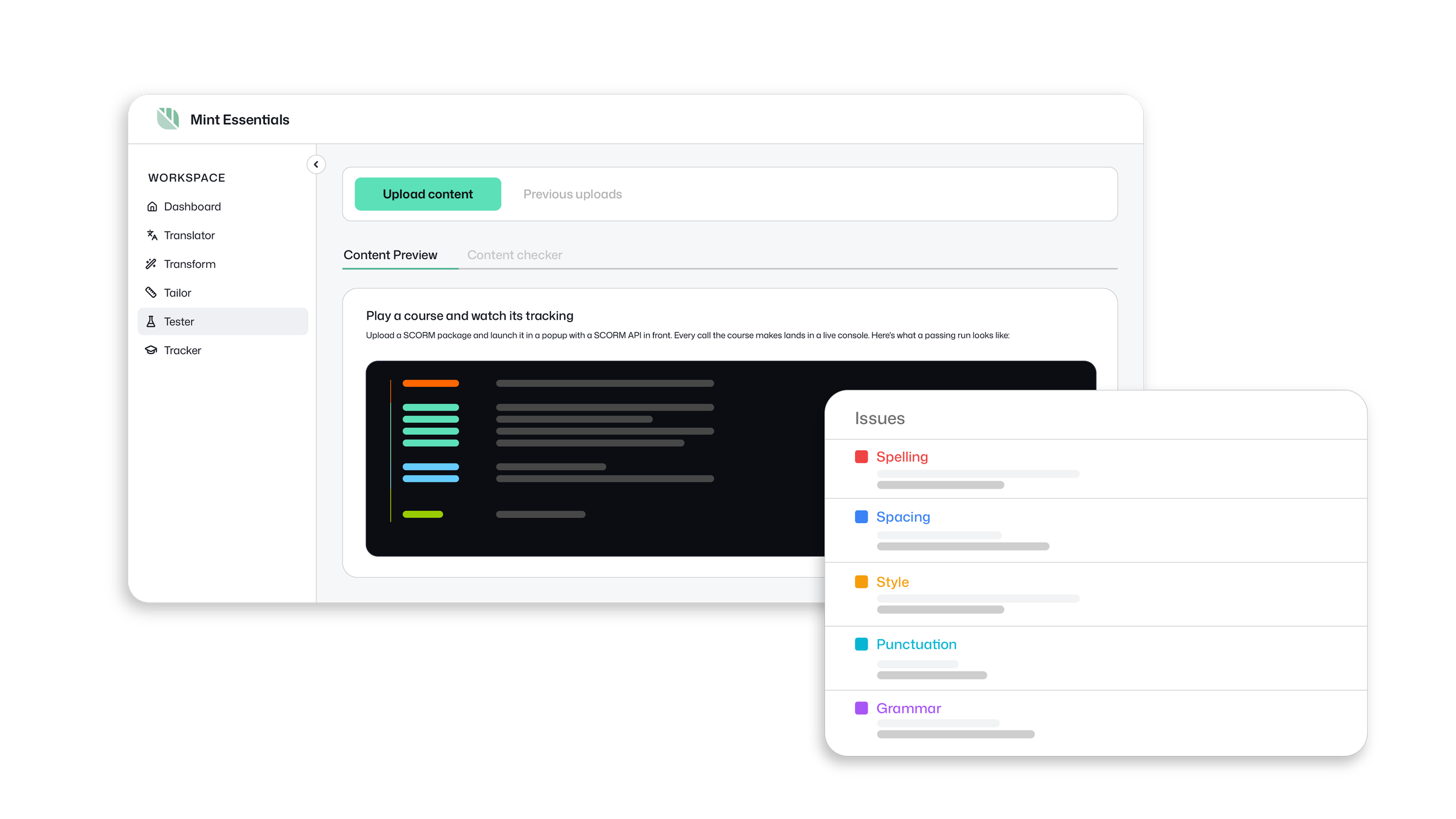
Content Preview
Run a SCORM 1.2 or SCORM 2004 course in your browser and check that it launches, plays and tracks as expected.
Content Checker
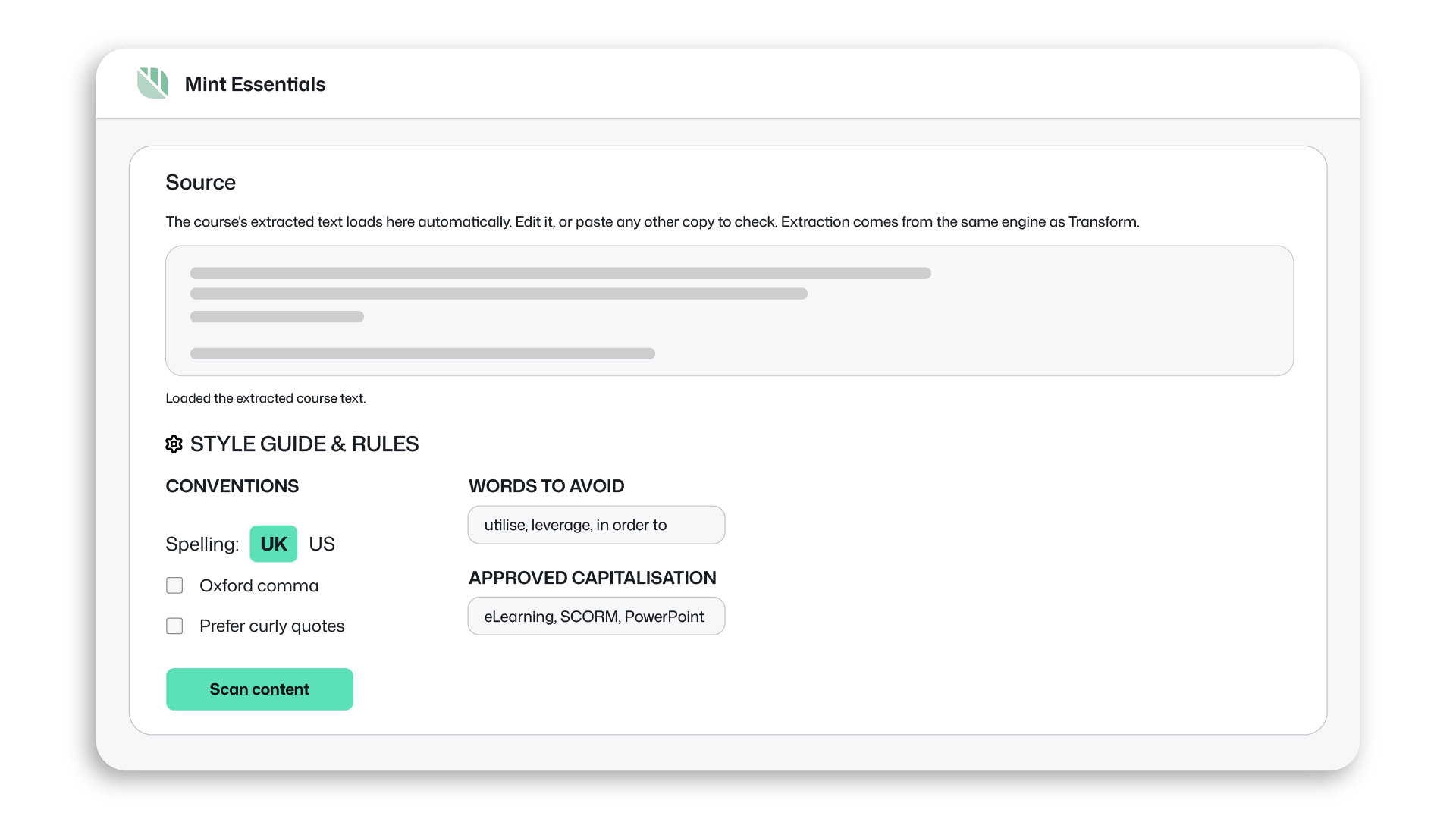
Check your content against your own or your client’s spelling, language and style standards.

Find tracking problems before launch
Content Preview shows you what the course is reporting as you work through it, making tracking problems easier to spot and troubleshoot.
Use it to:
Watch completion, progress and scores update in real time.
Check the course launches and plays as expected.
Troubleshoot tracking issues when something isn’t working properly.
Test packages up to 2GB before uploading them to your live LMS.
Works with SCORM 1.2 and SCORM 2004.
Check spelling, style and consistency
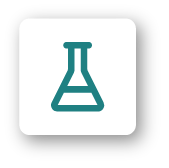
Content Checker highlights issues in your copy and groups them by type, so you can quickly see what needs attention.
Use it across course content, Word, PowerPoint and PDF files, or any other copy you want to review.
Check for:


Spelling and grammar
Punctuation and spacing
Inconsistent terminology and capitalisation
Wording and style
Set your preferred spelling conventions, add words you want to avoid and check against your own or your client’s style guide.
Ready to check your content?
Test a SCORM package or check your content before it reaches your learners.
Free usage included.