


Transform
Convert courses, documents, audio and video files into editable text and transcripts, making content easier to review, update and reuse.
Extract content from existing files in minutes
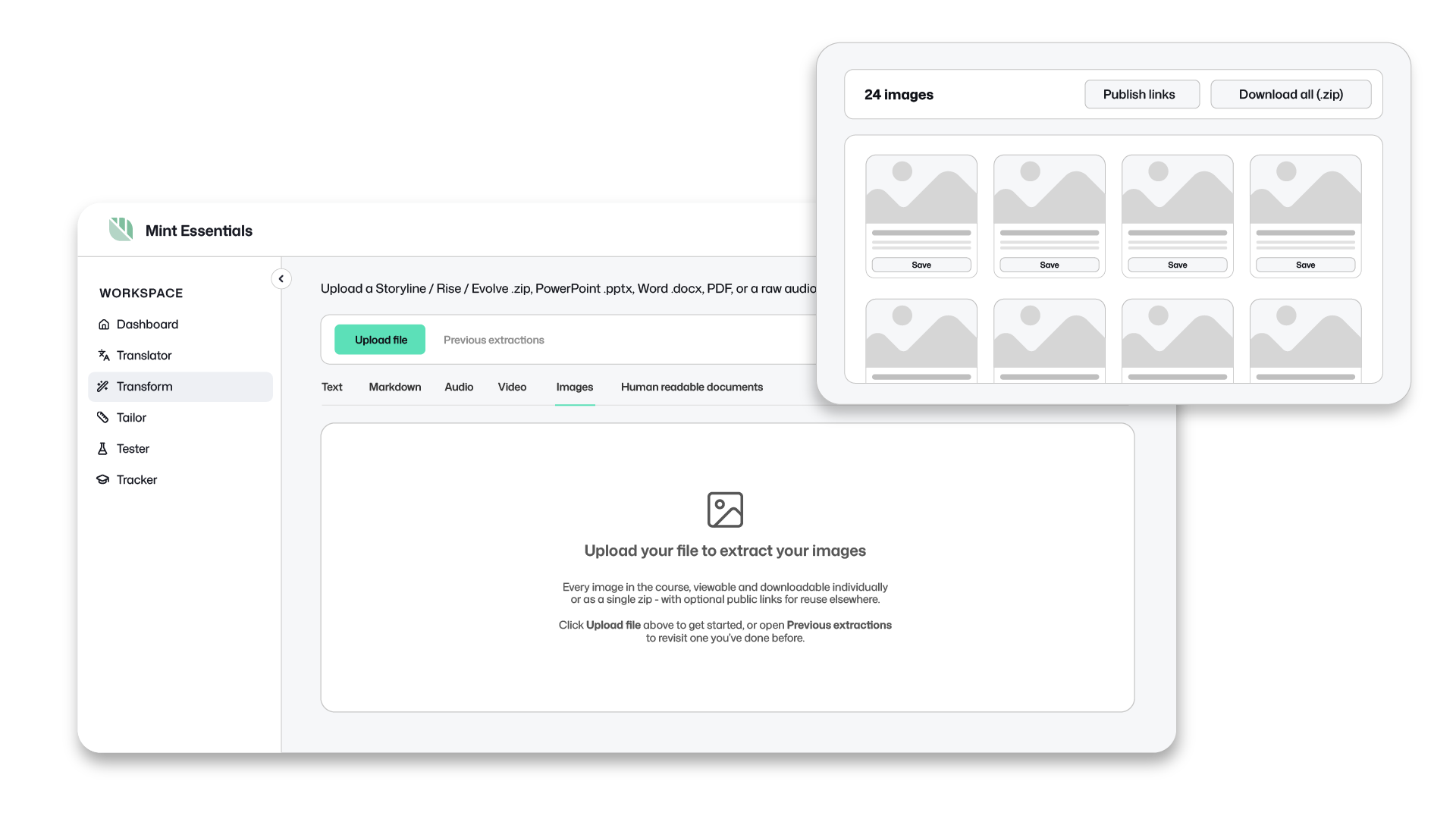
Turn SCORM files, PowerPoints, PDFs and media files into editable content you can review, update, translate and reuse.
Use transform to:
-

Review content with SMEs
Generate editable documents that SMEs and stakeholders can review and comment on without needing access to the authoring tool.
-

Extract images and graphics
Recover visual assets from courses, presentations and documents without manually saving or recreating them.
-

Update legacy training
Extract the content you need to enable quick updates and rapid rebuilds.
-

Prepare content for translation
Get content out of existing courses and documents ready for multilingual projects.
-

Migrate to a new platform
Use your extracted content to enable speedy rebuilds in a new authoring tool - no more cutting and pasting for hours.
-

Create transcripts from audio and video
Turn recorded content into searchable, editable text.

Import from your existing tools
Upload
Documents
PowerPoint, Word, PDF


eLearning courses
Storyline, Rise, Intellum Evolve, SCORM packages




Media
Video, audio


Get


Structured documents
Organised outline with headings and hierarchy
Editable text
Clean, editable content you can update
Extracted images
All images and assets extracted for you
Transcripts
Accurate transcript of audio and video

Export Options
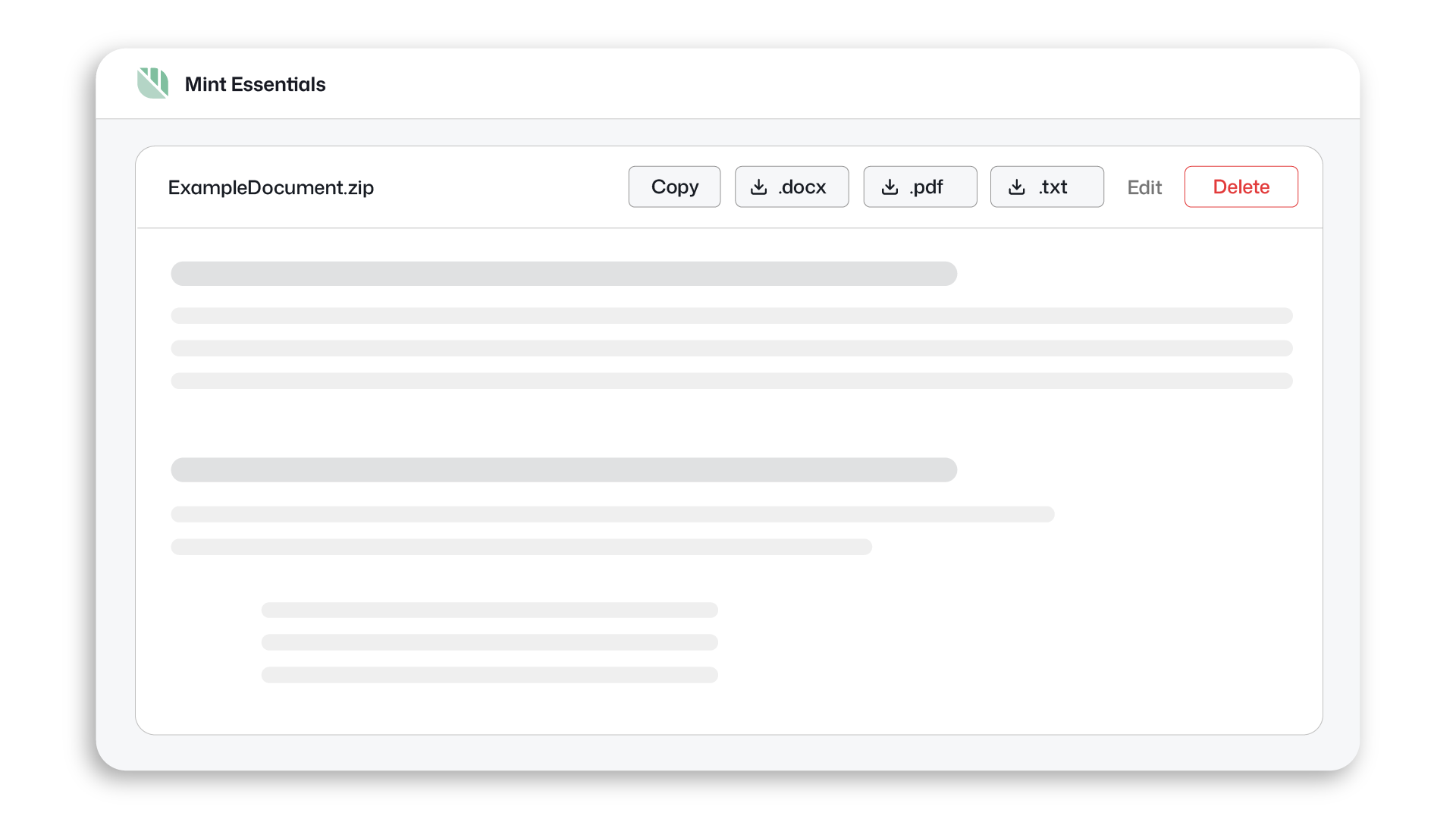
Structured documents, ready to work with
Extracting content is only half the job.
Transform organises extracted content into clear sections and headings, making it easier to navigate, understand, and work with.
FAQ
-
Transform supports Articulate Storyline/Rise and Intellum Evolve SCORM packages, as well as PowerPoint presentations, Word documents, PDFs, video files and audio files.
-
Yes. Transform can extract both text and visual assets from supported file types.
-
Extracted content can be exported as Word (.docx), PDF (.pdf) and text (.txt) files.