
Accessibility in eLearning is often treated as a final checkpoint. A box to tick. A standard to meet.
But what if we flipped that thinking entirely?
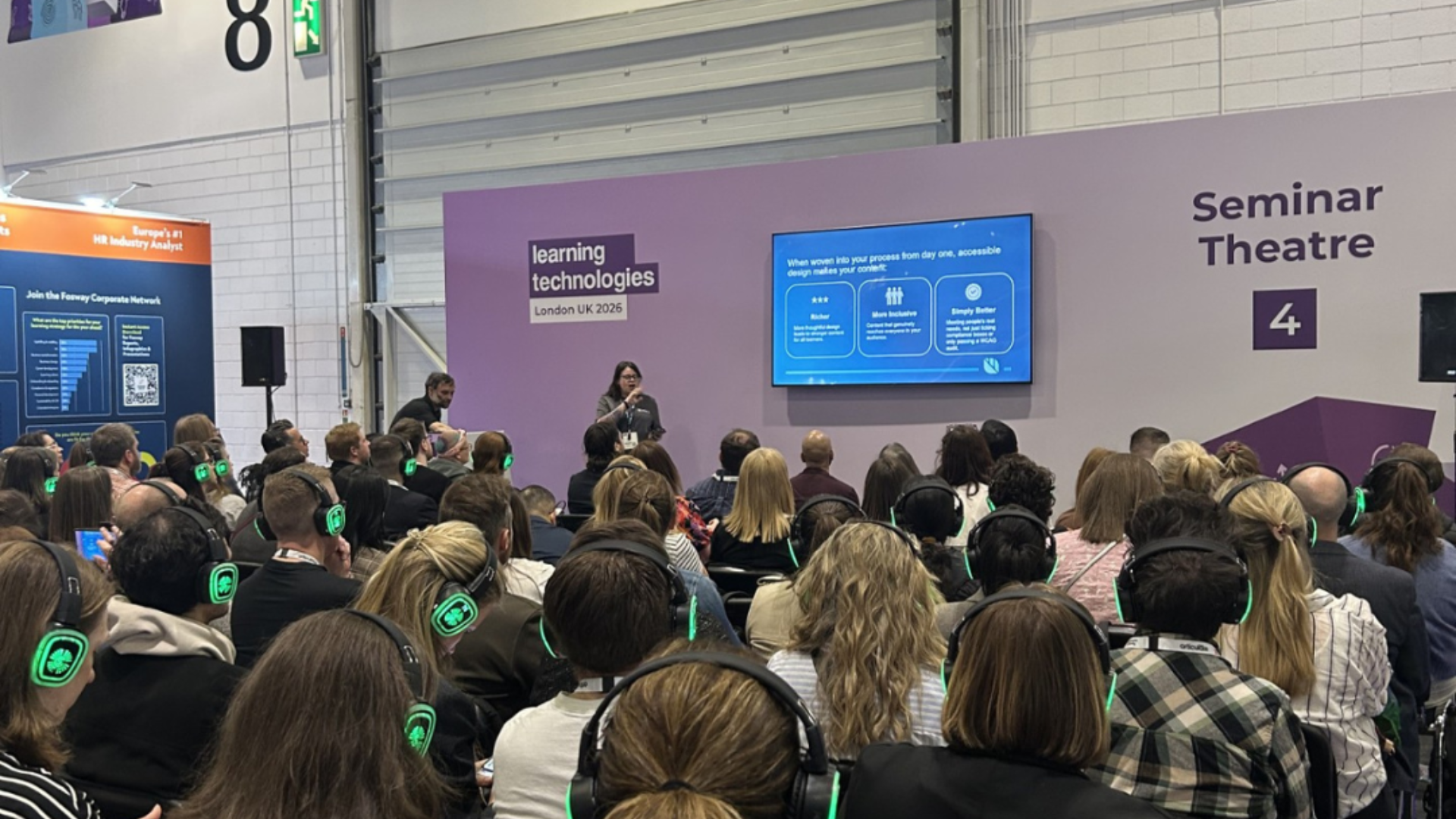
At this year’s Learning Technologies Conference, Gemma Nunn, Head of Learning Design at Mint, explored a simple but powerful idea: accessibility shouldn’t be something you add at the end - it should shape everything from the very beginning.
Because when you design for accessibility from day one, you don’t just make learning compliant.
You make it better – for everyone.
Accessibility isn’t a constraint - it’s a creative advantage
One of the biggest misconceptions about accessibility is that it limits creativity.
In reality, it does the opposite.
When accessibility is embedded into your process early, it pushes you to think more deeply about your learners. It leads to clearer structure, more thoughtful interactions, and content that genuinely works for a wider audience.
The result?
Better learning experiences
More inclusive design
Improved outcomes
This isn’t about meeting guidelines for the sake of it. It’s about making the learning experience more human.
Start with POUR, not just compliance
Instead of focusing purely on standards like WCAG (although still valuable), Gemma discussed a more human-centred framework: POUR.
Accessibility should ensure your content is:
Perceivable - Can learners engage with it in different ways (visual, auditory, tactile)?
Operable - Can they navigate and interact with it using different tools (keyboard, voice, assistive tech)?
Understandable - Is it clear, intuitive, and easy to follow?
Robust - Does it work reliably across platforms and technologies, now and in the future?
POUR doesn’t require technical expertise. They’re questions that you can ask yourself or your team at any design stage.
Designing for real people, not assumptions
It’s easy to design based on what we think works.
But learners don’t all think, behave, or interact the same way.
A powerful analogy shared in the session described a perfectly planned outdoor path; neat, structured, and logical. Yet over time, people created their own shortcuts because the original design didn’t reflect how they really moved through the space.
It’s likely most people have seen a dirt path worn through a patch of grass that indicates ‘this is the best way to make your way through here’!
That’s what happens when we design without understanding lived experience.
To truly create accessible learning, we need to:
Step into our learners’ shoes
Test with assistive technologies
Listen to their actual needs and barriers
Challenge our own assumptions
Because designing for the average often fails everyone, the average doesn’t exist as a real person.
The hidden problem: dark patterns in learning design
Most learners can tell when they’re being manipulated.
That’s where ‘dark patterns’ in eLearning come in. Design decisions that prioritise the organisation’s interests over the learner’s experience usually end up damaging trust, motivation, and the learning itself.
These include:
Forcing learners through content without control
Creating artificial pressure to drive completion rates
Hiding key information
Offering ‘fake’ interactions that don’t add value
The question shouldn’t just be “can learners complete this?”
It should also be “should they have to complete it this way?”
A simple test:
Does this help learning, or just tracking?
Does it support the learner, or control them?
Would I want to take this course myself?
If the answer to any of these questions feels uncomfortable, it’s probably time to rethink the design.
Accessibility is a team responsibility
Accessible design doesn’t sit with one person or one stage of the project. It only really works when the whole team understands their role in it.
Learning Designers help shape accessibility early by asking the right questions and making better design decisions from the start.
Developers bring those decisions to life through accessible builds, testing, and technical implementation.
Subject Matter Experts help make content clearer, simpler, and easier for more people to understand.
Stakeholders help create the time, priority, and support needed for accessibility to be done properly.
When everyone understands their role, accessibility becomes part of the workflow rather than something added on at the end.
Progress over perfection
One of the more reassuring takeaways from the session was that accessibility doesn’t have to be perfect overnight.
Small improvements still matter.
Writing clearer alt text
Testing a course without using a mouse
Learning something new about accessibility today
None of these things solves everything on their own. But they’re still steps in the right direction.
The important thing is starting, building better habits, and improving over time.
Final thoughts
Designing for accessibility from day one is really about building better habits earlier in the process.
There should be less focus on ‘ticking off’ WCAG criteria in isolation and more focus on the actual learner experience and the principles behind POUR.
Accessible design usually leads to better learning experiences for everyone, not just the ‘average’ learner the course may have originally been designed around.
It also doesn’t limit creativity in the way people sometimes assume. If anything, it pushes teams to think more carefully, more clearly, and more intentionally about the experience they’re creating.
A lot of inaccessible design decisions are not deliberate. They happen because teams are busy, processes move quickly, or nobody spots the issue early enough.
That’s why communication matters so much. Everyone involved in the project needs to understand the role they play in accessibility.
Instead of asking:
“How do we make this accessible?”
Maybe the better question is:
“How do we design this so it already is?
If you're feeling overwhelmed or don't have the resources to handle accessibility in-house, don't worry! There are many experts out there (like us!) who can help you out. We offer an accessibility auditing service where we dive deep into your content, meticulously reviewing it to identify and rectify potential accessibility barriers. You can learn more here.
Get the full scoop! Register below to access a recorded version of the seminar and presentation slides: